

Appfigures Alternatives: The Best Options for Review Intelligence
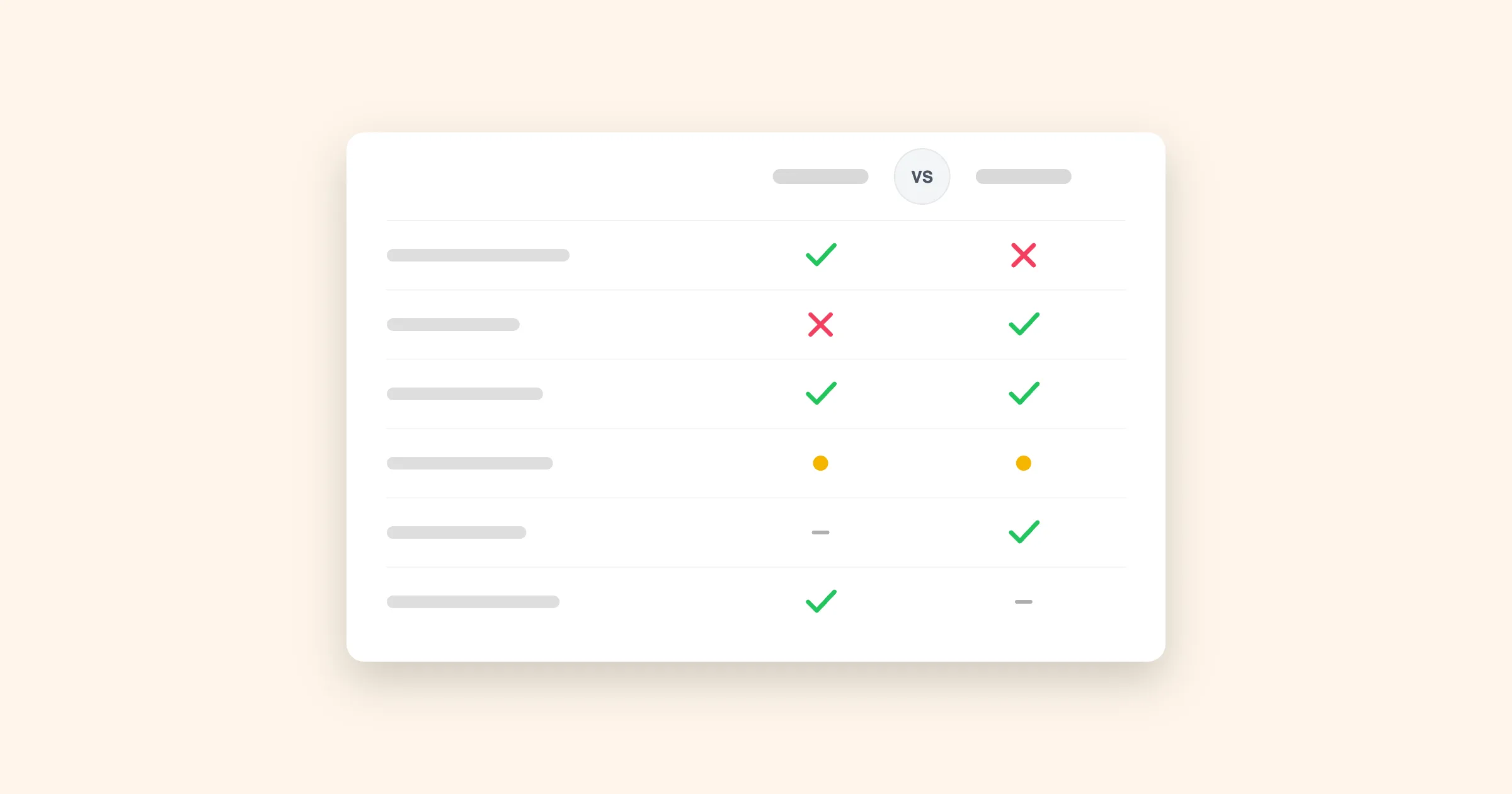 Appfigures bundles review monitoring into a downloads-and-revenue suite. If review analysis is the only part of that bundle you actually open, here's what a dedicated alternative looks like.
 In this guide you'll learn:
- Signs Appfigures isn't the right fit for reviews specifically
- What Appbot does differently
- If you still need the business metrics
- The mechanics of switching
- Frequently asked questions
Want to see what dedicated review intelligence looks like?
Join over 25% of the Fortune 100 and 35% of the top charting app developers using Appbot to monitor, analyze and reply to app reviews.
Try Appbot, free for 14 days →Appfigures is priced and built as one thing: an app intelligence subscription covering downloads, revenue, ad spend, ASO keywords and store ranks, with review monitoring as a report inside that suite. For teams whose actual job is business metrics, that's the whole point, one login for everything. For teams whose job is understanding and replying to reviews, it's common to find that report thinner than a dedicated tool, because reviews are one line item competing against a much bigger product roadmap.
This is where Appbot fits in, along with a few other options depending on what you're actually trying to solve.
Signs Appfigures isn't the right fit for reviews specifically
- You open the reviews tab but skip the downloads and revenue dashboards entirely, most of what you're paying for goes unused.
- You want to know why a rating moved, not just that it moved; Appfigures reports the number, not the theme behind it.
- Your reply workflow needs AI drafting or auto-reply rules, not just templates.
- You want your full review history the day you sign up, not gated behind a higher tier.
None of that makes Appfigures a bad product, it's a genuinely strong tool for the job it's built for. It just means that job isn't always "understand what users are telling us."
What Appbot does differently
Appbot's entire product is one AI model, trained for nearly a decade on 400M+ real app reviews and nothing else, classifying every review by sentiment, topic, keyword and emotion automatically. Appfigures will surface that your rating dropped 0.3 stars; Appbot tells you which topic caused it, how many users raised it, and whether your competitors are hearing the same complaint, with Custom Topics for your product's own vocabulary.
The reply side goes further too. Appfigures doesn't cap replies, credit where it's due, but Appbot adds AI-drafted responses and auto-reply rules from the Large plan up, and lets your team reply from Slack, Zendesk, Freshdesk, Teams or Salesforce with the response posting back to the store automatically, rather than working from a separate analytics dashboard.
We've laid out the full feature-by-feature breakdown, pricing tiers and AI-agent comparison separately rather than repeating it here: read the complete Appbot vs Appfigures comparison →
If you still need the business metrics
If downloads, revenue and ASO tracking are genuinely part of your job, not just something that came with the subscription, Appfigures remains a strong, affordable choice, and plenty of teams keep it for exactly that while running Appbot alongside for review depth. If ASO specifically is the bigger priority, AppFollow and AppTweak are worth a look too, though they share the same trade-off as Appfigures: reviews as a module, not the mission. App Radar rounds out that category with its own take on keyword tracking plus basic review replies.
The mechanics of switching
There's no export-import step. Connect your App Store and Google Play accounts and Appbot pulls your complete review history automatically, going back to launch, so day-one trend charts already have years of context instead of starting flat. Setting up Slack or Zendesk for replies takes a few minutes per integration. If you're keeping Appfigures for the business-metrics side, the two run independently with no conflict.
Appbot's 14-day trial includes that full history from the start, so you're judging the analysis against your own reviews rather than a demo dataset.
Frequently asked questions
What's the best alternative to Appfigures for review analysis?
Appbot, if review sentiment, topic and emotion analysis is what you need. Appfigures is built as a broad app intelligence suite, downloads, revenue, ad spend and ASO, with review monitoring as one report inside it. Appbot is built entirely around reviews, with a proprietary AI trained on 400M+ app reviews and a published 93%+ sentiment accuracy.
Is Appfigures' entry plan cheaper than Appbot?
On the sticker price, often yes, Appfigures starts under $10/month. That plan is pricing a bundle: downloads, revenue and review monitoring together. If review intelligence is the only piece you actually use, the fairer comparison is what you're paying per app for reviews specifically, not the bundle's headline number.
What happens to my review history if I switch from Appfigures?
Nothing is lost on the Appfigures side, it's your data in your store accounts either way. On the Appbot side, connecting your App Store and Google Play accounts triggers an automatic backfill of your full review history from launch, so your sentiment trends don't restart from zero.
Can Appbot replace Appfigures' downloads and revenue tracking?
No. Appbot doesn't report downloads, revenue, subscriptions or ad spend, that's Appfigures' core strength and not something Appbot is trying to compete on. Teams who need both typically keep an analytics tool for the business metrics and add Appbot for the review side specifically.
Does Appbot have an AI agent or MCP like Appfigures?
Yes, the Appbot MCP connects your review data to AI assistants like Claude. The difference from Appfigures' CLI and MCP is scope: Appfigures exposes its whole suite (downloads, revenue, ranks, reviews) to an agent running on a general model, while Appbot exposes review-specific intelligence from a model trained only on app reviews.
Looking at other alternatives too?
Want to see what dedicated review intelligence looks like?
Join over 25% of the Fortune 100 and 35% of the top charting app developers using Appbot to monitor, analyze and reply to app reviews.
Try Appbot, free for 14 days →Where to from here?
- Discover effective strategies for app review management to efficiently handle and leverage user feedback.
- Unlock valuable insights into user sentiment with our powerful sentiment analysis tool for informed decision-making.
- Benchmark your app against rivals with competitor review analysis to find product gaps and opportunities.
- Engage with your users effectively by crafting thoughtful responses with our convenient Reply to App Store Reviews feature.
Enjoying the read? You may also like these
 The Best App Review Management Tools in 2026
 Not every tool that shows up when you search app review management actually does it. Here's how Appbot, AppFollow, AppTweak, Sensor Tower and others actually differ.
Analyze competitor app reviews to uncover feature requests, user frustrations, product gaps, and growth opportunities. Learn how top mobile teams turn competitor feedback into competitive advantage.
In this post we share insights from 9 years working in the sentiment analysis to help you ask the right questions and choose the best sentiment tool for you.
The complete guide to app store review analysis to help app developers improve their app, boost their star ratings and drive higher downloads and revenue.