

Send App Store Reviews to Slack with Appbot
Customize app review alerts for your team and reply to iOS and Google Play reviews directly from Slack.























Your app reviews are sitting in a dashboard nobody opens.
By the time a crash report reaches the engineer who can fix it, a hundred more users have hit the same bug, and the feature request that would have shaped this quarter’s roadmap is buried under a thousand five-star ratings.
Appbot puts every new app review in front of the people who can act on it, in the channel they’re already in.
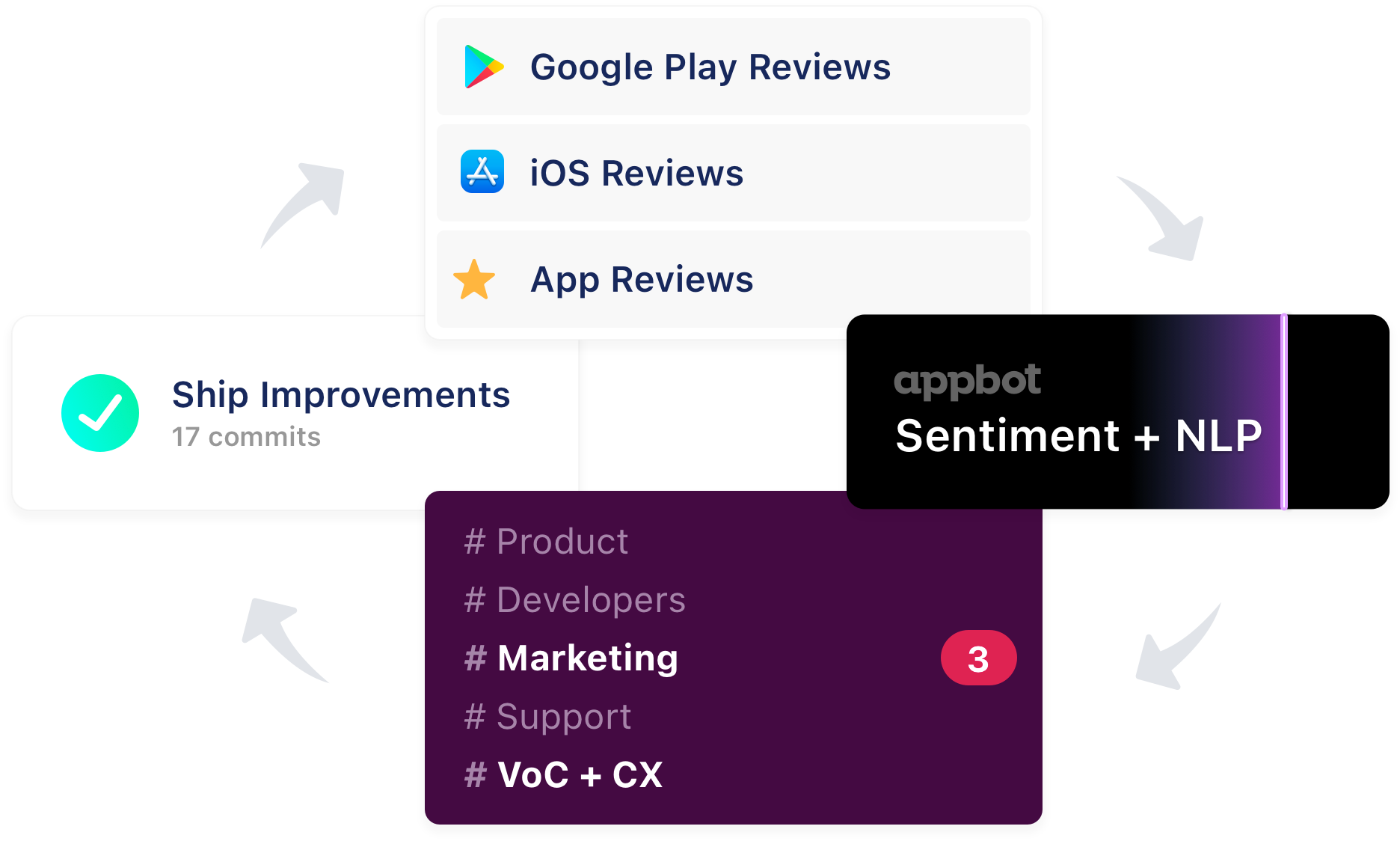
Close the loop on App Store & Google Play reviews using Slack
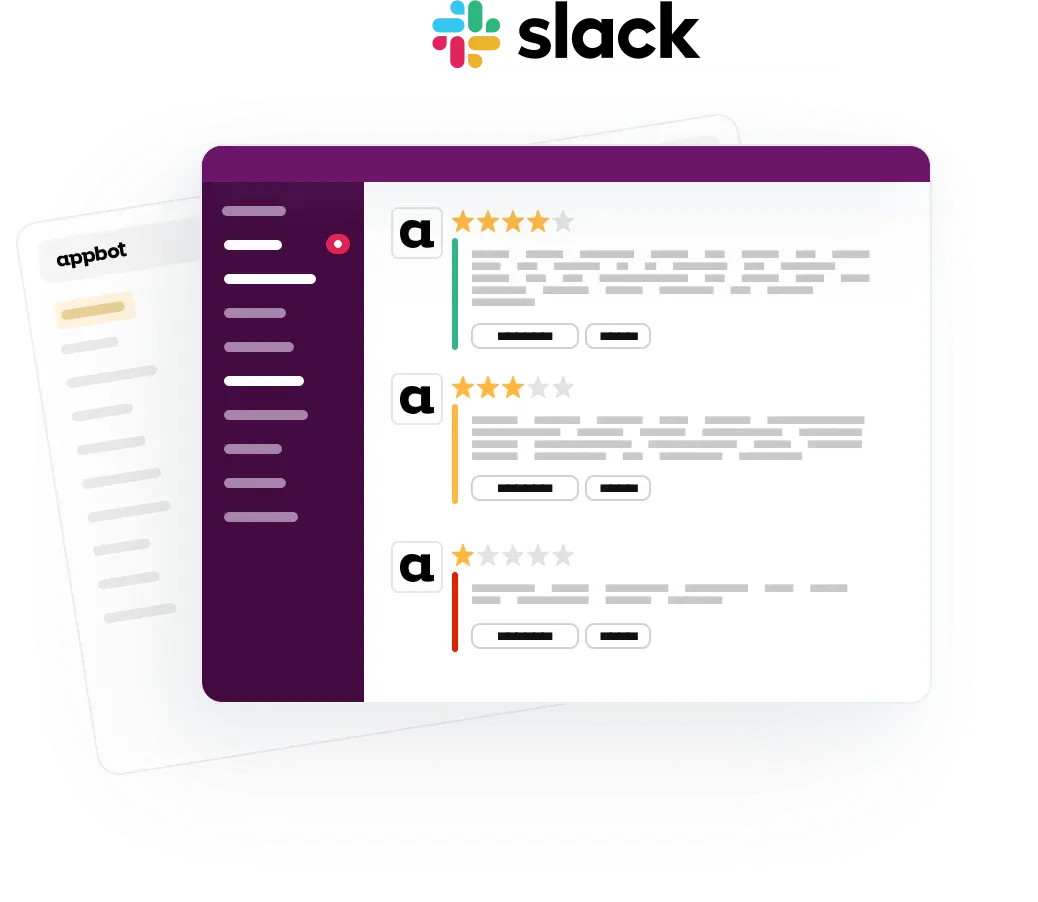
Appbot posts new iOS and Google Play reviews straight into your Slack channels — with the star rating, review text, country or language, and the app version where the store provides it. Connect your developer account and you can reply to each review right from Slack too.
Your team sees feedback where they already work, so bugs get caught early, feature requests don’t get lost, and nobody has to remember to check a dashboard.
- Catch bugs and complaints early, fix them faster
- Surface feature requests as they arrive
- Spot sentiment shifts before they reach your rating
- Keep your roadmap on what users actually care about
- Reply to reviews without leaving Slack
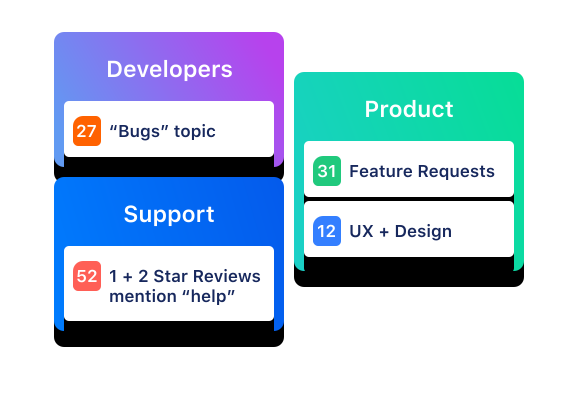
Share only the most relevant app reviews with each team.
We all know what it’s like to be bombarded with too much information. Appbot solves this problem by giving you total control over what you share in each Slack Channel, so every team sees the app reviews they can act on and nothing else.
| Team | Channel | Filter |
|---|---|---|
| Engineering | #app-bugs | Reviews mentioning bugs, crashes or performance |
| Product | #product-feedback | Feature requests and design and UX feedback |
| Customer Support | #app-support | 1 and 2 star reviews, ready to reply to from Slack |
| Marketing | #wins | 5 star reviews to use as testimonials |
| Regional teams | #reviews-japan | Reviews from one country or language, auto-translated |
Set up as many integrations as you need — one per app, per channel, each with its own filters.
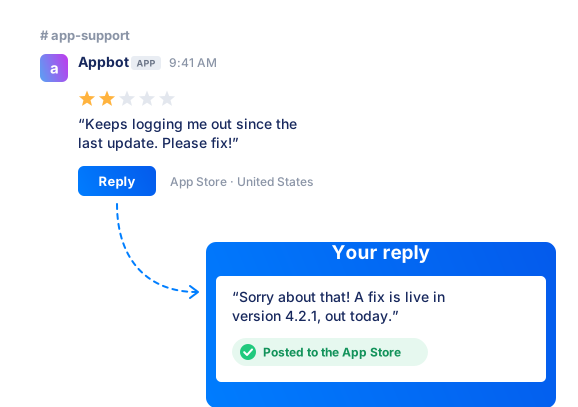
Replying to reviews in Slack
Every plan can send reviews to Slack. To reply without leaving Slack you’ll need a Large or Premium plan, plus a connection to App Store Connect or the Google Play Developer Console.
Once it’s on, anyone in your Slack workspace can hit Reply and the response posts back to the store. On Small and Medium plans, each review carries a “reply in console” link instead.
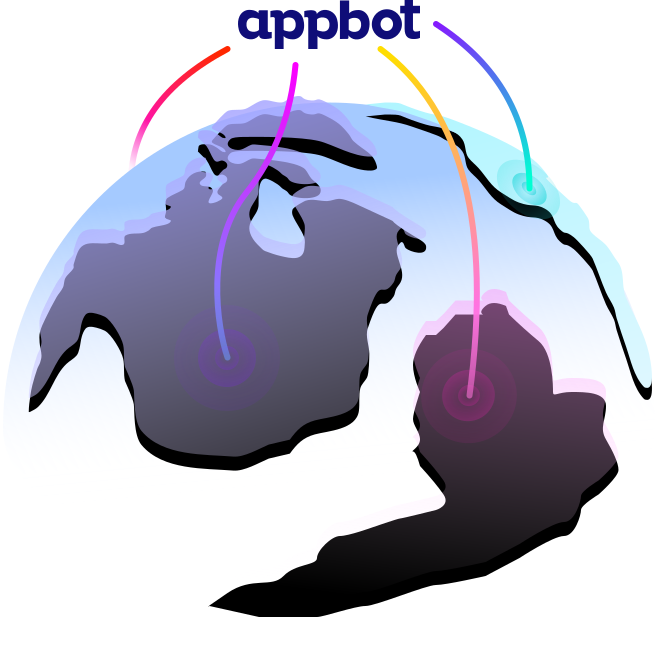
Appbot covers all countries, with auto-translation to English.
We fetch your app reviews globally, right out of the box. No need to select countries to monitor or prioritize one market over another. We know you care about every user, regardless of location, and we do too.
We also know not every team offers multi-lingual support for their app, so we automatically translate reviews to English as we find them. Those translations appear alongside each app store review in Slack and inside your Appbot account.

Get started with Appbot and Slack in minutes
Start your Appbot free trial
Start tracking your app reviews in Appbot
Connect Appbot to Slack
Choose which app feedback to send to each Slack channel
What Appbot can and can’t see
Appbot has no read access to your Slack workspace. The only permission we request is incoming-webhook, which lets us post to the channel you choose. We can’t read your messages, channels or files.
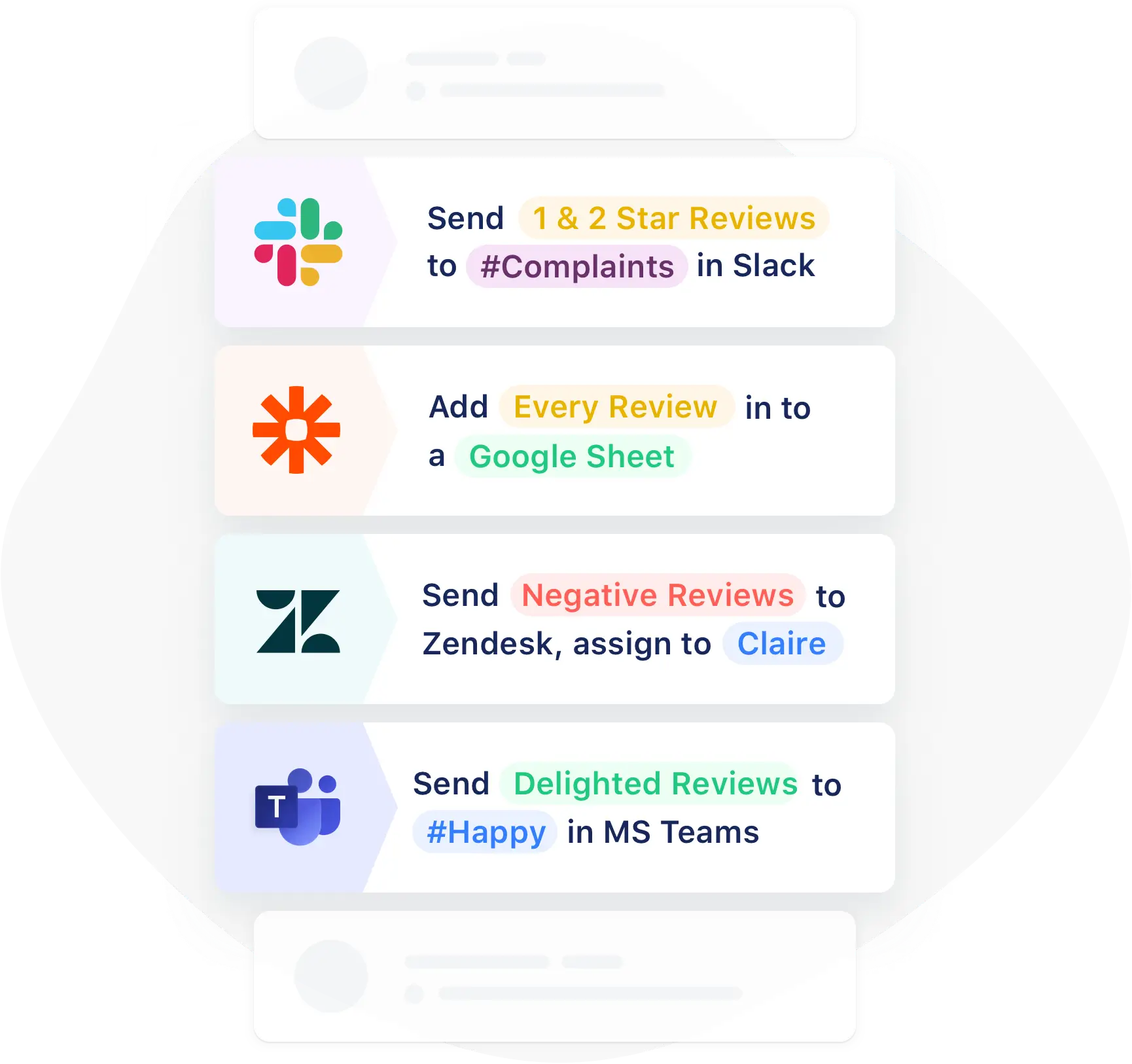
Appbot also works with your other favorite tools
Not everyone spends time in Slack every day. Appbot works with popular CRMs like Zendesk and Freshdesk and collaboration tools like Microsoft Teams and Google Chat. Appbot also connects to Zapier, opening up hundreds of other possibilities for automation.
Don’t just take our word for it…
"We all really love your product; it really alleviated so much pain from all the manual work we had to do. We truly all feel this was the best tool we purchased last year 😊"

Diane Chiang, Product Operations Manager

"Integrations are fantastic and we're getting everything we need from your platform. I don't know how we'd handle reviews without you!"

Adam Black, Director, Mobile Product Development

"10/10. Allows me to easily keep track of reviews — especially after a release."

Rory Smyth, Senior Product Designer

"10/10. Very personal service - team always on hand to go the extra mile for you and answer questions"

Nicola McCoy, Product Manager



"Appbot has seriously changed how our entire company views our product and has been a huge morale booster. The feature that has really stuck with everyone is the weekly report card and daily stream of app store reviews into a Slack channel. We've opened up the channel to the whole company to increase transparency and folks LOVE it."

Kyle Roderick, UI/UX Designer



"Appbot is one of the most cost-effective investments Anthem makes. The data is rock-solid and with my 'subscriptions' to ourselves and our competitors, I can see feedback in real time."

Douglas Forshey, Director of Digital Analytics & VOC

FAQ
Frequently asked questions about Appbot for Slack
Can Appbot read my Slack messages?
No. The only permission we request is incoming-webhook, which lets us post to the channel you choose. Appbot has no read access to your messages, channels or files.
Will this flood my Slack channel?
Only if you want it to. Every integration has its own filters, so you can send just 1 and 2 star reviews, a single country or language, or reviews matching a specific topic. Most teams route a narrow slice to each channel rather than everything to one.
Do my teammates need their own Appbot accounts?
Not to see reviews. Anyone in the Slack channel can read them. Replying to a review does require an Appbot account, so anyone you want responding to customers will need a seat.
Can I track my competitors’ reviews in Slack too?
Yes. Add a competitor’s app as a source and send their reviews to Slack the same way you send your own, filtered however you like. It’s a fast way to see what users are complaining about elsewhere, as it happens.
Can I send more than one app to the same channel?
Yes. Set up an integration for each app and point them at the same channel, or split them across separate channels, whichever suits how your team works.
Will I get my existing reviews, or only new ones?
Slack receives new reviews only, from the moment you connect. Your full review history is available inside your Appbot account, where you can search, filter and analyze it.
How quickly do reviews arrive?
As soon as the app stores make them available to us. Appbot fetches continuously and posts each review to Slack as it comes in, so there’s no digest or delay on our side.
How many channels can I send reviews to?
As many as you need. Set up one integration per app, per channel, each with its own filters, so engineering, product, support and leadership can each see only what’s relevant to them.
Which app stores does this cover?
iOS App Store, Mac App Store, Google Play and Microsoft Store.