

Appbot vs Google Play Console: Which App Review Tool Is Right for You?
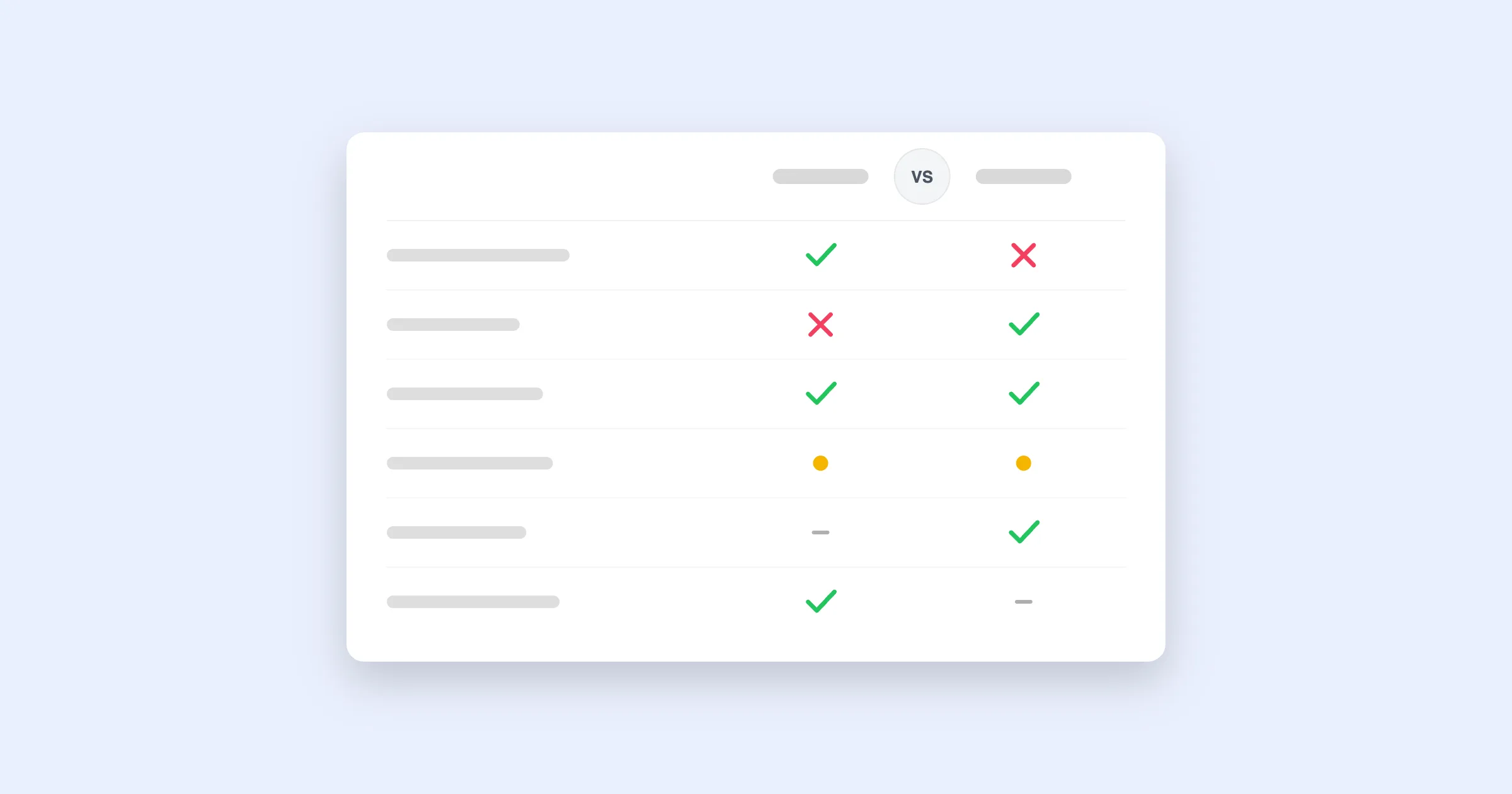 Play Console's Ratings and reviews page is free, has a few more bells on it than Apple's equivalent, and it's still just a console for one store. Here's where it holds up and where it runs out of road.
 In this comparison you'll learn:
- The short version
- Appbot vs Google Play Console at a glance
- Reply templates are not analysis
- One store vs. the whole picture
- A statistics page vs. actionable trends
- Where Play Console is a genuinely good fit
- Frequently asked questions
Want to see what dedicated review intelligence looks like?
Join over 25% of the Fortune 100 and 35% of the top charting app developers using Appbot to monitor, analyze and reply to app reviews.
Try Appbot, free for 14 days →Every Android developer already has Google Play Console. Its Ratings and reviews page goes a little further than Apple's equivalent, reply templates, some rating breakdowns by device and Android version, but it's still fundamentally a console feature, not a review intelligence product.
Appbot is built for one job: turning app reviews into something your team can act on, across every store you publish to. This comparison is about where Play Console's built-in tools stop and where a dedicated platform starts to matter.
The short version
Choose Appbot if you need to understand why ratings move, not just what they are. Sentiment and topic analysis across Google Play and the App Store together, fast replies at scale, full review history, and feedback routed into Slack, Zendesk or your BI stack. Appbot's AI is proprietary, trained exclusively on 400M+ app reviews, with a published 93%+ sentiment accuracy.
Stick with Play Console if you're a small team with one Android app and light review volume. The reply templates and basic rating breakdowns cover a lot of ground for a single-app, single-store setup. It stops scaling the moment you add a second store, a second app, or need to explain a rating dip faster than "someone read the reviews."
Appbot vs Google Play Console at a glance
Based on publicly available information as of August 2026. Always verify current details with Google.
| Feature | Appbot | Google Play Console |
|---|---|---|
| Core focus | Review & ratings intelligence, purpose-built for monitoring, analyzing and replying to reviews | Google's built-in developer console; reviews are one page among releases, testing, statistics and more |
| Store coverage | Google Play, App Store and more, unified in one dashboard | Google Play only; no iOS or other storefronts |
| Sentiment & topic analysis | Proprietary AI trained on 400M+ app reviews; published 93%+ accuracy, with automatic topic, keyword and emotion tagging | Aggregate rating breakdowns by device, Android version and country; no per-review sentiment or topic classification |
| Historical review data | Full backfill from app launch, complete review history available on signup | Full history technically visible, but with no trend tagging or export beyond built-in statistics charts |
| Review replies | Unlimited on every plan; AI drafts, auto-reply rules and canned replies included from the Large plan up | Manual, one review at a time, with basic reply templates available |
| Reply from your tools | Slack, Zendesk, Freshdesk, Teams, Salesforce and more on the Large plan and above | None; replies happen only inside Play Console |
| Competitor tracking | Full review-level analysis on any app you add as a source | None; only shows apps in your own developer account |
| Alerting & notifications | Real-time alerts by rating, keyword or sentiment shift, routed to Slack, email and more | Basic email notifications for new reviews; no filtering by content |
| Pricing | Priced by sources (an app in a store = one source), with a 14-day free trial | Included with Google's one-time $25 developer registration fee |
| Setup | ~5 minutes, add a store URL and go | Already available to anyone with a developer account |
Comparison accurate as at August 2026.
Reply templates are not analysis
Play Console's reply templates make replying faster than typing from scratch, which is a genuine step up from Apple's console. But a template is a shortcut for writing, not a substitute for knowing what's actually driving your rating. You still have to read reviews to know which template applies, and at volume that reading time adds up fast.
Appbot's AI classifies every review by sentiment, topic, keyword and emotion automatically, with Custom Topics for your product's own vocabulary, so you know what's trending before you decide how to respond, and can draft or auto-send that response too.
One store vs. the whole picture
Play Console only knows about your Google Play reviews. If you ship on iOS too, you're switching between two disconnected consoles, each with its own login, its own reply workflow and no shared view of sentiment across both platforms.
Appbot pulls Google Play, App Store and other storefronts into one dashboard, so a spike in complaints about a specific feature shows up as one trend, not two separate stories you have to mentally merge yourself.
A statistics page vs. actionable trends
Play Console's statistics page is genuinely useful for device, OS version and country breakdowns of your ratings. What it doesn't do is connect a rating dip to the words inside the reviews behind it, so you're often left cross-referencing a release date against a chart and then reading reviews manually to confirm your hunch.
Appbot's dashboards combine the rating trend with the topic and sentiment driving it, so "ratings dropped after the 4.2 release" comes with "because of login crashes" already attached, exportable via the API or Tableau.
Where Play Console is a genuinely good fit
If you're a small team with one Android app, modest review volume, and no plans to ship on iOS in the near term, Play Console's built-in reply templates and rating breakdowns cover a reasonable amount of ground for free. If you can keep on top of reviews manually without it eating your week, that's a legitimate choice.
The moment you're shipping on both stores, tracking competitors, or a rating dip needs an answer faster than "someone read the reviews," a dedicated tool starts paying for itself. Appbot's 14-day trial includes your full review history from minute one, so you can see the difference on your own app before deciding.
Frequently asked questions
What's the main difference between Appbot and Google Play Console?
Play Console's Ratings and reviews page is Google's free, built-in tool for viewing and replying to Android reviews, with some basic reply templates and rating breakdowns. It doesn't do sentiment or topic classification, and it only covers Google Play. Appbot is a dedicated review intelligence platform: proprietary AI trained on 400M+ app reviews for sentiment, topic and emotion analysis, unified across Google Play and the App Store, with unlimited AI-assisted replies and full historical data.
Does Play Console analyze review sentiment?
Not in the way a dedicated sentiment engine does. Play Console surfaces some aggregate rating trends and lets you search reviews by keyword, but it doesn't classify individual reviews by sentiment, topic or emotion the way Appbot does with a published 93%+ accuracy figure.
Does Play Console cover the App Store too?
No, Play Console is Google's platform and only shows Google Play reviews. If you ship on iOS too, you'd need App Store Connect as a separate, entirely disconnected tool. Appbot monitors Google Play, App Store and other stores in one unified dashboard.
How does pricing compare?
Play Console's review tools are free once you've paid Google's one-time $25 registration fee to publish apps at all. Appbot is a separate subscription priced by sources (an app in a store = one source), with a 14-day free trial. The real comparison is whether the free console gives your team enough insight to act on, not the price itself.
Can I reply to reviews faster with Appbot than in Play Console?
Yes. Play Console supports reply templates, but replying still happens one review at a time inside Google's console. Appbot adds AI-drafted replies, auto-reply rules and canned replies from the Large plan up, and lets your team reply from Slack, Zendesk, Freshdesk, Teams or Salesforce, with the response posted back to Google Play automatically.
Does Play Console track competitor apps?
No, Play Console only shows data for apps in your own developer account. Appbot lets you add competitor apps as sources and get the same full sentiment, topic and keyword analysis on their reviews as your own, see our competitor analysis guide.
See how Appbot compares with other popular tools
Want to see what dedicated review intelligence looks like?
Join over 25% of the Fortune 100 and 35% of the top charting app developers using Appbot to monitor, analyze and reply to app reviews.
Try Appbot, free for 14 days →Where to from here?
- Discover effective strategies for app review management to efficiently handle and leverage user feedback.
- Unlock valuable insights into user sentiment with our powerful sentiment analysis tool for informed decision-making.
- Benchmark your app against rivals with competitor review analysis to find product gaps and opportunities.
- Engage with your users effectively by crafting thoughtful responses with our convenient Reply to App Store Reviews feature.
Enjoying the read? You may also like these
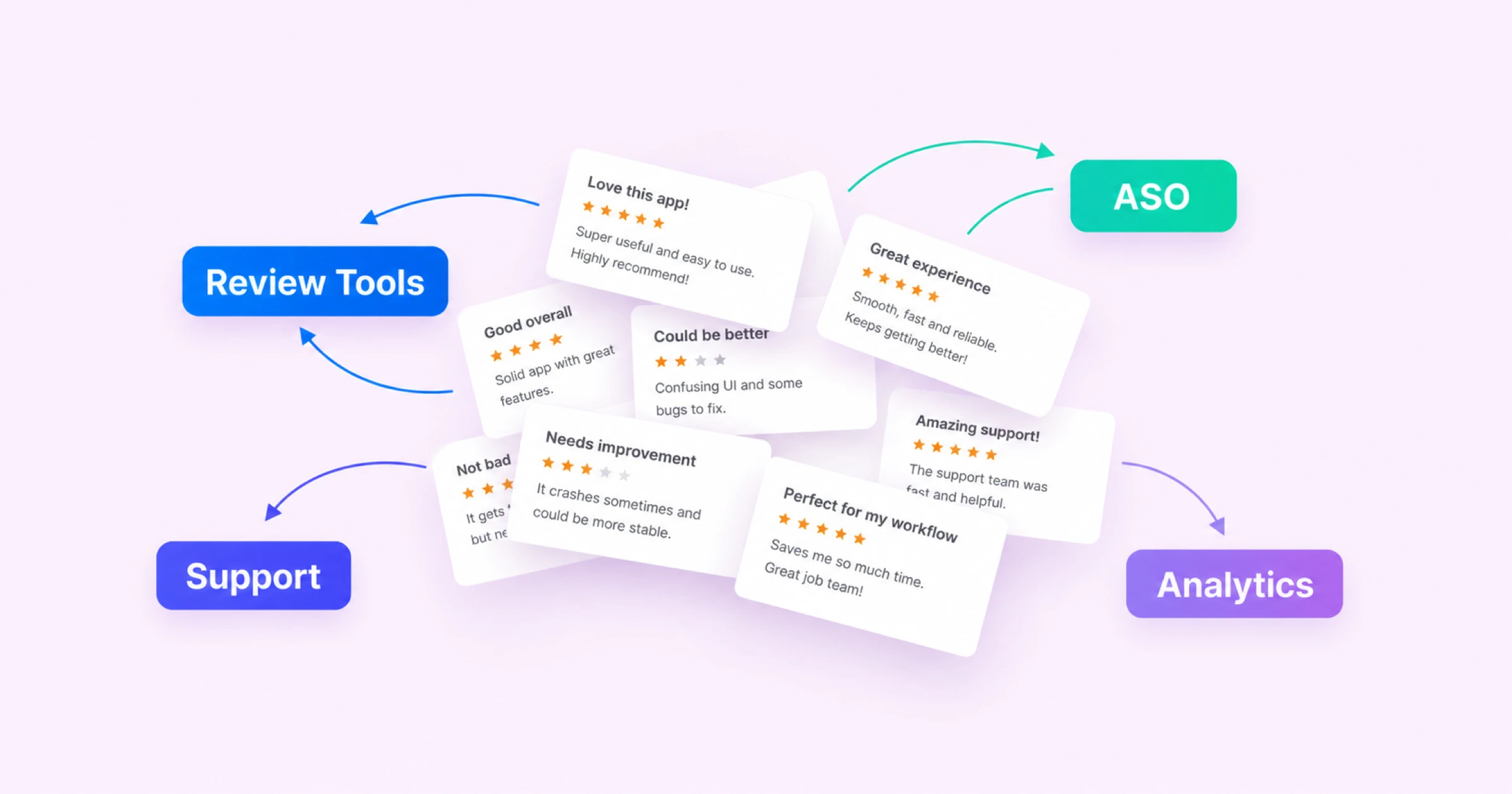 The Best App Review Management Tools in 2026
 Not every tool that shows up when you search app review management actually does it. Here's how Appbot, AppFollow, AppTweak, Sensor Tower and others actually differ.
Analyze competitor app reviews to uncover feature requests, user frustrations, product gaps, and growth opportunities. Learn how top mobile teams turn competitor feedback into competitive advantage.
In this post we share insights from 9 years working in the sentiment analysis to help you ask the right questions and choose the best sentiment tool for you.
The complete guide to app store review analysis to help app developers improve their app, boost their star ratings and drive higher downloads and revenue.