

How to Write an Exceptional 5-Star Review Reply for Apps
Published 22nd December, 2025 by Claire McGregor
Recently we analyzed the percentage of App Store and Google Play review replies across a randomized sample of 35 million app reviews from the Appbot database. Of the users who took the time to write a dedicated 5-star review, only 8% were provided with a reply of thanks and/or gratitude.
That leaves a clear opportunity for mobile teams to stand out with thoughtful 5-star review replies. In this article we unpack examples you can adapt for iOS and Google Play reviews, plus the patterns Appbot uses when helping teams reply faster at scale.
In this overview you'll learn:
- Ugly 5-star reviews reply examples
- Exceptional 5-star review reply examples
- Using 5-star reply examples at scale
- Conclusion: How AI Replies can help
Want faster, on-brand replies to App Store and Google Play reviews?
Appbot helps mobile teams monitor reviews, draft AI replies, and respond from one workflow.
Try Appbot AI Replies free for 14 days →Ugly 5-star reviews reply examples
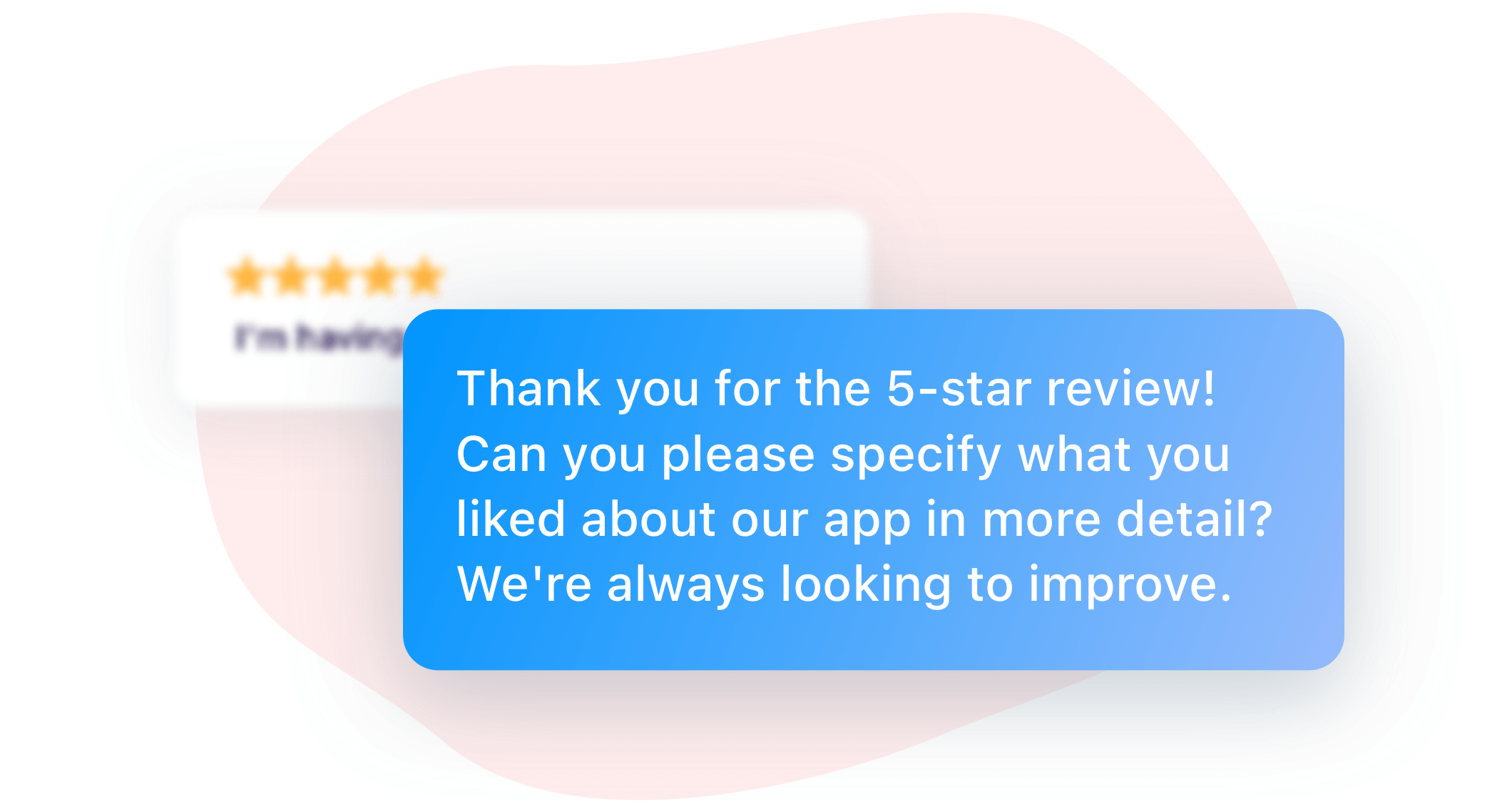
Whilst replies to 5-star reviews are set with great intention by app teams and developers, some replies leave reviewers with a bad taste in their mouth. These are the replies that ask for additional reviews on other platforms, additional information or mention negative information.
In our analysis of over 35 million app reviews we unearthed a lot of positive review replies that made avoidable mistakes, like these:
- "Thanks for the 5-star review! We are so glad you liked our app. Can you please leave a review on our other platforms too?"
- "Wow, thank you for the 5-star review! We're glad you liked our app, but if you could also leave a review on [competitor's platform], that would be great too."
- "Thank you for the 5-star review! Can you please specify what you liked about our app in more detail? We're always looking to improve."
- "Thank you for the 5-star review! We're glad you liked our app, but we're sorry to hear that you had [negative experience mentioned in review]. Can you please contact our support team to resolve this issue?"
- "Thank you for the 5-star review! We're glad you liked our app, but please note that [negative information about the app]. We hope you continue to enjoy using it!"
The reviewer has already made the effort to write a 5-star review. Asking for additional information is usually not required at this level, especially in public App Store or Google Play replies where future users are also reading your response.
Exceptional 5-star review reply examples
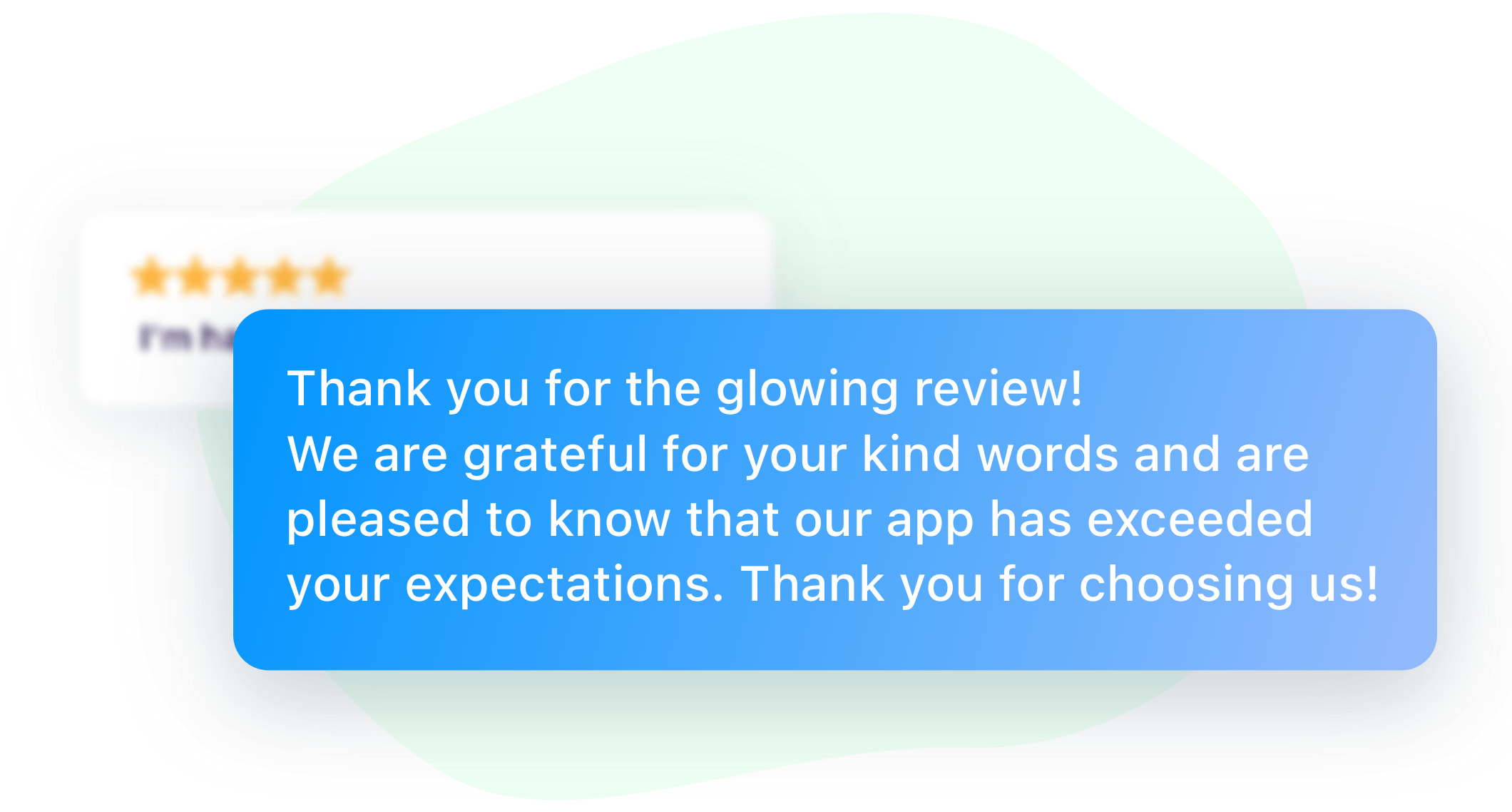
Excellent 5-star reviews share one common underlying message to readers - that the reviewer's positive feedback is highly valued and recognised.
Here are some examples of what we've seen at Appbot:
- “Thank you so much for the 5-star review! We are thrilled to hear that you are enjoying our app and appreciate your feedback. Keep it coming!"
- "We are so glad to hear that you love our app! Thank you for taking the time to leave a 5-star review. Your feedback is greatly appreciated."
- "Thank you for the fantastic review! We put a lot of effort into making our app as user-friendly and enjoyable as possible, so we are thrilled to hear that you are enjoying it. Thanks again for the support!"
- "Thank you for the glowing review! We are grateful for your kind words and are pleased to know that our app has exceeded your expectations. Thank you for choosing us!"
- "We are overjoyed to read your 5-star review! Thank you for your kind words and for supporting our app. We truly appreciate your feedback and are always striving to improve."
Based on the replies above, let's look at components that make up an exceptional 5-star app review reply:
- Expression of thanks and gratitude for the review.
- Rehash of the reviewer's enjoyment of the product or service.
- Expression of thanks for choosing the brand.
You'll notice these replies consist of at least 2 sentences and not less than 25 words. More energy and effort is perceived in these replies than generic replies like “Thank you for your 5-star review” and “Thanks so much”.
For bonus points, you might also consider these ideas to incorporate into your 5-star review responses:
- Use the reviewer's username in the reply, for personalization.
- If the reviewer mentioned a specific feature of your app that they really love, make a reference to it. This shows that your team actually read the review, understood it, and will make use of that feedback. Validating your customer's brand experience is crucial to making them feel heard.
- Mention what you plan to do with the review information, if there was enough detail for it to be actionable. For example, you might mention “We have shared this awesome feedback with the team who built [feature X].”
Adding these details, rather than always replying with just boilerplate copy, demonstrates that the time the user took to leave the review was valued. Personalized responses are much more memorable!
Using 5-star reply examples at scale
A reply template is a good starting point, but app teams quickly run into volume and workflow problems once reviews arrive across multiple countries, languages and stores. The highest-quality replies still need to feel specific to the user's feedback, even when your support team is replying to hundreds of reviews a week.
Appbot's app review reply tools help teams reply to App Store and Google Play reviews from one place, with AI-generated drafts, canned replies and workflows that fit support teams. Pairing reply tools with review monitoring alerts means your team can thank happy users quickly and still spot urgent negative reviews before they affect your rating.
Conclusion: How AI Replies can help
The way in which app teams and developers address 5-star review replies should be considered early and included in the app review reply strategy.
Formulating a clear set of guidelines for your support team to use when generating replies to 5-star reviews is highly recommended. Be sure to make your reply unique, include an expression of thanks and a direct reference to any specific praise the reviewer gave. The best replies also include personalization and an outline of how the information the reviewer provided will be useful to your team.
We know how time consuming it can be to write excellent replies. To improve the quality and efficiency of your 5-star review response campaign you might like to try Appbot's AI Replies feature. Our AI has been specifically trained to include as many features of the ideal reply as possible, every time. Each response is unique and as personalized as we can make it.
If only 8% of 5-star reviews are replied to across the app stores, this represents a great opportunity to stand out from the competition by showcasing quality engagement with customers.
Keep track of every review with Appbot's app review and ratings tracking software, then use Appbot Replies to respond to iOS and Google Play reviews faster.
Want faster, on-brand replies to App Store and Google Play reviews?
Appbot helps mobile teams monitor reviews, draft AI replies, and respond from one workflow.
Try Appbot AI Replies free for 14 days →Where to from here?
- Reply to app reviews from one workflow with Appbot Replies for iOS and Google Play.
- Monitor new App Store and Google Play reviews with app review alerts for support, product and technical teams.
- Track reviews and ratings across every major store with Appbot's app review and ratings tracking software.
- Understand the emotion behind review feedback with app review sentiment analysis.
About The Author

Claire is the Co-founder & Co-CEO of Appbot. Claire has been a product manager and marketer of digital products, from mobile apps to e-commerce sites and SaaS products for the past 15 years. She's led marketing teams to build multi-million dollar revenues and is passionate about growth and conversion optimization. Claire loves to work directly with the world's top app companies delivering tools to help them improve their apps. You can connect with her on LinkedIn.
Enjoying the read? You may also like these
 Prompting for app reviews and ratings on iOS and Android
 Want to learn WHEN to prompt an app review? See our advice after talking to thousands of mobile app developers on best techniques for IOS and Android apps.
Become the master on how to respond to positive app reviews. In this guide we explore both examples and best practices for replying to positive reviews.
97% of Google play reviews go unanswered! Given the lack of developers replying to reviews it gives you a great opportunity to stand out from the crowd.
When an app has a low rating, it can have a number of negative consequences for both the app developer and the users of the app.