

How to Get Your App Approved by the App Store (Apple & Google Play) the First Time in 2026
Published 31st March, 2026 by Stuart Hall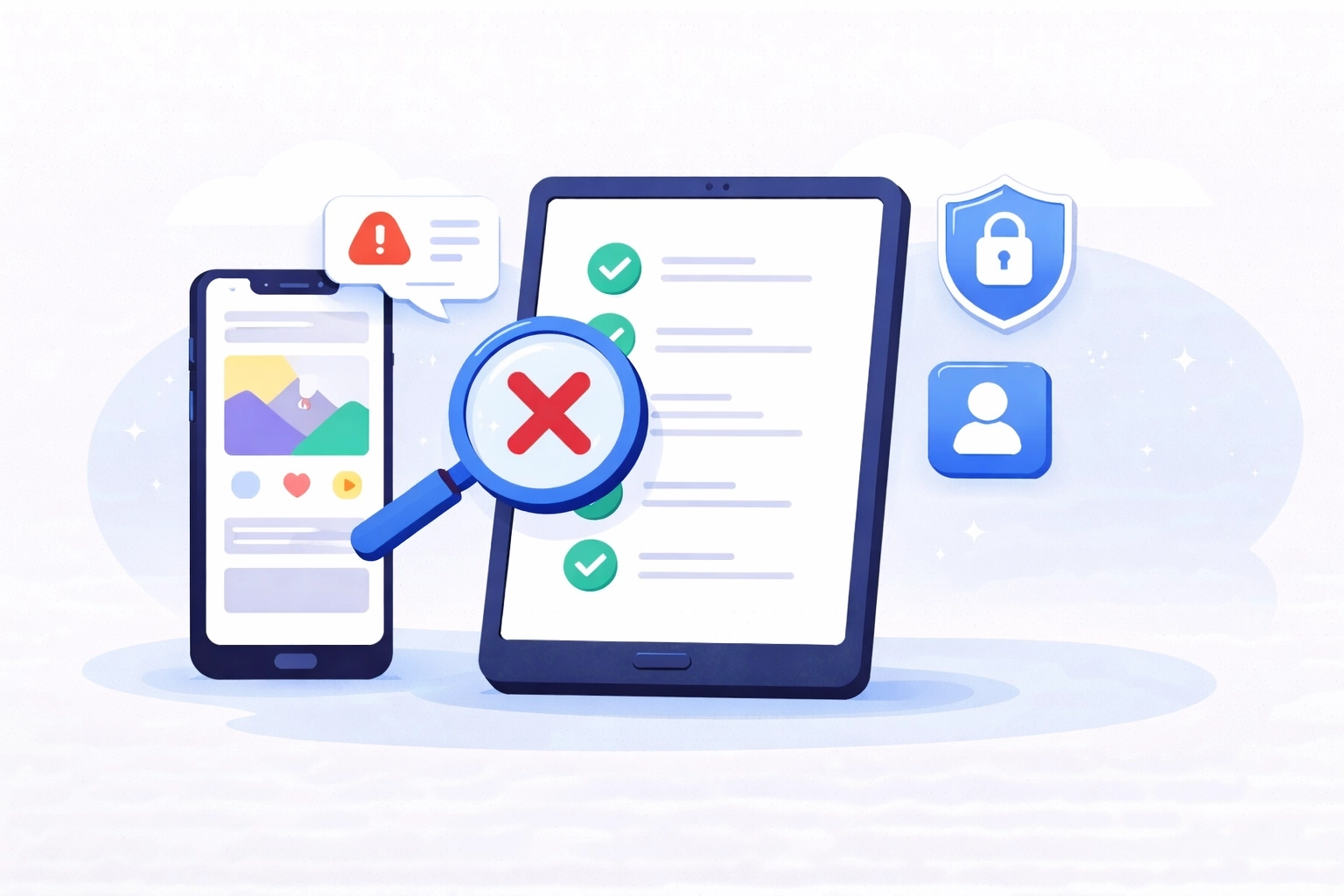
Getting your app rejected by the App Store or Google Play doesn’t just delay your release, it creates new problems. Fixes don’t ship. Users keep hitting bugs. Reviews keep coming in while your update is stuck waiting for approval. And it’s happening more often.
With the rise of AI-built and “vibe-coded” apps, app stores are dealing with a flood of low-quality submissions. So they’re responding the only way they can:
- Stricter reviews
- More manual checks
- Higher rejection rates
That means getting approved isn’t just about publishing - it’s about avoiding delays, bad reviews, and lost momentum.If you want to ship fast, you need to get approved the first time.
In this overview we'll be covering:
- How to Get Your App Approved the First Time (Quick Answer)
- Why App Store and Google Play Review Times Are Slower in 2026
- What Are Vibe-Coded Apps (and Why They Get Rejected)?
- Why AI-Built Apps Fail App Review (False Confidence Problem)
- Why Demo-Ready Apps Fail App Review
- Top Reasons Apps Get Rejected by App Store and Google Play
- Real Examples of Why Apps Get Rejected
- How Long App Store and Google Play Review Takes (2026)
- App Store vs Google Play Review: Key Differences Explained
- Common App Review Myths (and What Actually Gets You Rejected)
- App Store Submission Checklist (Step-by-Step)
- What Happens After App Approval (And Why Reviews Matter)
- App Review FAQ: Approval, Rejections, and Timelines
- How to Get Your App Approved Faster: Key Takeaways

Want to level up your app store review analysis?
Try Appbot free now, no credit card needed →How to Get Your App Approved the First Time (Quick Answer)
If your app is incomplete, unclear, or breaks under real use, it will get rejected.
To get approved by the App Store or Google Play on your first submission:
- Ship a fully working app (not an MVP)
- Clearly explain AI features and data usage
- Follow App Store and Google Play rules
- Test real-world scenarios (not just demos)
- Give reviewers everything they need to understand your app
Why App Store and Google Play Review Times Are Slower in 2026
App review is slower because app stores are filtering aggressively. They’re seeing a huge increase in AI-generated and template-based apps, many of which:
- Look finished but aren’t
- Break under real usage
- Miss basic compliance requirements
So reviewers are spending more time testing edge cases, checking data usage, and validating claims.
If anything is unclear, incomplete, or misleading, it gets rejected.
There’s a Lot of Industry Discussion About This Shift
This isn’t just happening behind the scenes, it’s being talked about across developer communities. On platforms like Reddit and X (Twitter), teams are sharing similar experiences:
- Longer review times than expected
- More detailed rejection feedback
- Stricter checks on AI features and data usage
The common thread is the same: Apps that would have passed a year ago are now getting rejected.
In many cases, the issue isn’t new bugs, it’s higher expectations and more compliance requirements.
What Are Vibe-Coded Apps (and Why They Get Rejected)?
Vibe-coded apps are built fast using AI tools, and often fail because they’re not production-ready.
- Look polished on the surface
- Work in demos
- Break in real-world scenarios
Reviewers aren’t testing your demo, they’re testing what breaks.
Why AI-Built Apps Fail App Review (False Confidence Problem)
The biggest risk with AI-built apps isn’t bad code, it’s false confidence.
- UI looks finished
- Flows seem smooth
- Features appear to work
But under real conditions:
- Edge cases fail
- Logic breaks
- Data handling is unclear
If your team thinks “this is probably fine,” it usually isn’t.
Why Demo-Ready Apps Fail App Review
Demo-ready is not review-ready.
- Bad inputs
- Empty states
- Offline scenarios
- Unclear flows
If your app only works on the happy path, it will fail review.
Top Reasons Apps Get Rejected by App Store and Google Play
Most rejections aren’t surprising. Teams just didn’t test properly or explain clearly.
- Incomplete or buggy apps → crashes, broken flows, missing features
- Privacy and data issues → unclear or missing explanations
- Misleading metadata → screenshots don’t match reality
- Payment mistakes → incorrect implementation
- Compliance gaps → GDPR, age ratings, AI transparency
If something is unclear, reviewers assume it’s wrong.
Real Examples of Why Apps Get Rejected
Example 1: Works in demo, fails in real use
An onboarding flow worked perfectly, unless a field was skipped or input was invalid. Then the app froze. It passed internal testing but failed the app store review immediately.
Example 2: Permission without context
An app requested location access on launch, without explaining why. The feature using location was deeper in the app. Rejected for unclear data usage.
How Long App Store and Google Play Review Takes (2026)
- Apple: 24 - 72 hours
- Google Play: hours to several days
If you get rejected, everything slows down.
App Store vs Google Play Review: Key Differences Explained
Google’s review process relies more on automated checks, while Apple’s App Store Review Guidelines reflect a more manual and experience-focused approach.
Both Apple and Google review for quality and compliance, but they enforce it differently.
Apple’s App Store review is more manual and experience-focused:
- Strong focus on UX, polish, and completeness
- Reviewers actively test flows and edge cases
- Strict rules around payments, privacy, and subscriptions
Google Play review is more policy-driven and system-based:
- Heavier use of automated checks
- Strong focus on data safety and permissions (see the Developer Policy Center)
- Increasing enforcement on low-quality and spam apps
The key difference:
Apple is more hands-on and subjective
Google is more systems-driven and policy-focused
But both will reject apps that are incomplete, unclear, or misleading.
Passing Google Play doesn’t mean you’ll pass Apple, and vice versa.
Common App Review Myths (and What Actually Gets You Rejected)
These assumptions cause a lot of rejections:
Myth: If it works, it will pass
Reality: Reviewers test what breaks
Myth: AI apps are easier
Reality: They’re reviewed more carefully
Myth: Google approval means Apple approval
Reality: Apple has stricter UX and payment rules
Myth: Small bugs won’t matter
Reality: One issue during review can lead to rejection
Myth: If it passed before, it will pass again
Reality: Standards change, updates get rejected too
Myth: Reviewers will understand how it works
Reality: If it’s unclear, it gets rejected
App Store Submission Checklist (Step-by-Step)
- Test on a real device
- Test edge cases and error states (offline, empty data, invalid input)
- Try to break your app (reviewers will actively look for what fails)
- Test like a first-time user
- Check compliance and data usage
- Verify AI features are explained
- Ensure permissions are justified
- Confirm app matches listing
- Write clear review notes
If anything breaks once, fix it before submitting.
What Happens After App Approval (And Why Reviews Matter)
Approval is just the start.
- Bugs show up
- Users leave reviews
Tools like Appbot help you track and respond to reviews quickly, so issues don’t turn into rating drops.
App Review FAQ: Approval, Rejections, and Timelines
Why is App Store and Google Play app review approval slower in 2025 and 2026?
Because app stores are filtering more low-quality and AI-generated apps, requiring more manual review.
Why was my app rejected?
Apps are usually rejected due to bugs, unclear features, privacy issues, or misleading metadata.
Do app updates go through review?
Yes. Every update is reviewed and can be rejected, even if earlier versions were approved.
What do app reviewers actually test?
They test onboarding, edge cases, permissions, payments, and anything unclear.
Are AI apps harder to get approved?
Yes. They face more scrutiny around data usage and accuracy.
Can I appeal an app rejection?
Yes, but fixing and resubmitting is usually faster.
How do I get approved faster?
Submit a complete, well-tested, and clearly explained app on the first try.
How to Get Your App Approved Faster: Key Takeaways
Most teams don’t lose time building, they lose it waiting for approval.
- If it’s incomplete, it gets rejected
- If it’s unclear, it gets rejected
- If it only works in a demo, it gets rejected
If your app doesn’t get approved, it doesn’t get published and the problems don’t stop. Users keep hitting bugs. Reviews keep coming in. Ratings drop while your fix is stuck waiting for approval.
Every rejection delays your release cycle and makes it harder to recover.
The fastest teams don’t just build quickly, they get approved quickly. Focus on real-world quality, clarity, and completeness, and you’ll ship faster with fewer setbacks.
Want to level up your app store review analysis?
Try Appbot free now, no credit card needed →Where to from here?
- Unlock deeper insights into user sentiment with Appbot's advanced sentiment analysis tool for app reviews.
- Harness the power of NLP (Natural Language Processing) to analyze and understand app reviews at a deeper level.
- Stay informed and in control of your app's reputation with Appbot's comprehensive app review monitoring. tool.
- Leverage Appbot's App Store Reviews API to access valuable data and optimize your app's performance.
About The Author

Stuart is Co-founder & Co-CEO of Appbot. Stuart has been involved in mobile as a developer, blogger and entrepreneur since the early days of the App Store. He built the 7 Minute Workout app in one night and blogged the story of growing the app to 2.3 million downloads before exiting to a large fitness device company. Previously he was the co-founder of the Discovr series of applications which achieved over 4 million downloads. You can connect with him on LinkedIn.
Enjoying the read? You may also like these
 The Global Rise of Age Verification for Apps: What Devs Need to Know About Google & Apple APIs
 Age verification is going mainstream. Learn how Apple’s Declared Age Range API and Google’s Play Age Signals API help developers meet new laws in Texas, Utah, California, Australia, Japan, and beyond.
Great app ideas don’t start with features - they start with solving problems. Learn how to uncover, validate, and act on everyday pain points that lead to successful apps.
Discover best practices for responding to mixed-sentiment app reviews. Learn proven techniques to build trust, reduce churn, and turn nuanced feedback into product insights.
When an app has a low rating, it can have a number of negative consequences for both the app developer and the users of the app.