

App Push Notification Best Practices for 2026 (With Examples)
Published 15th January, 2026 by Stuart Hall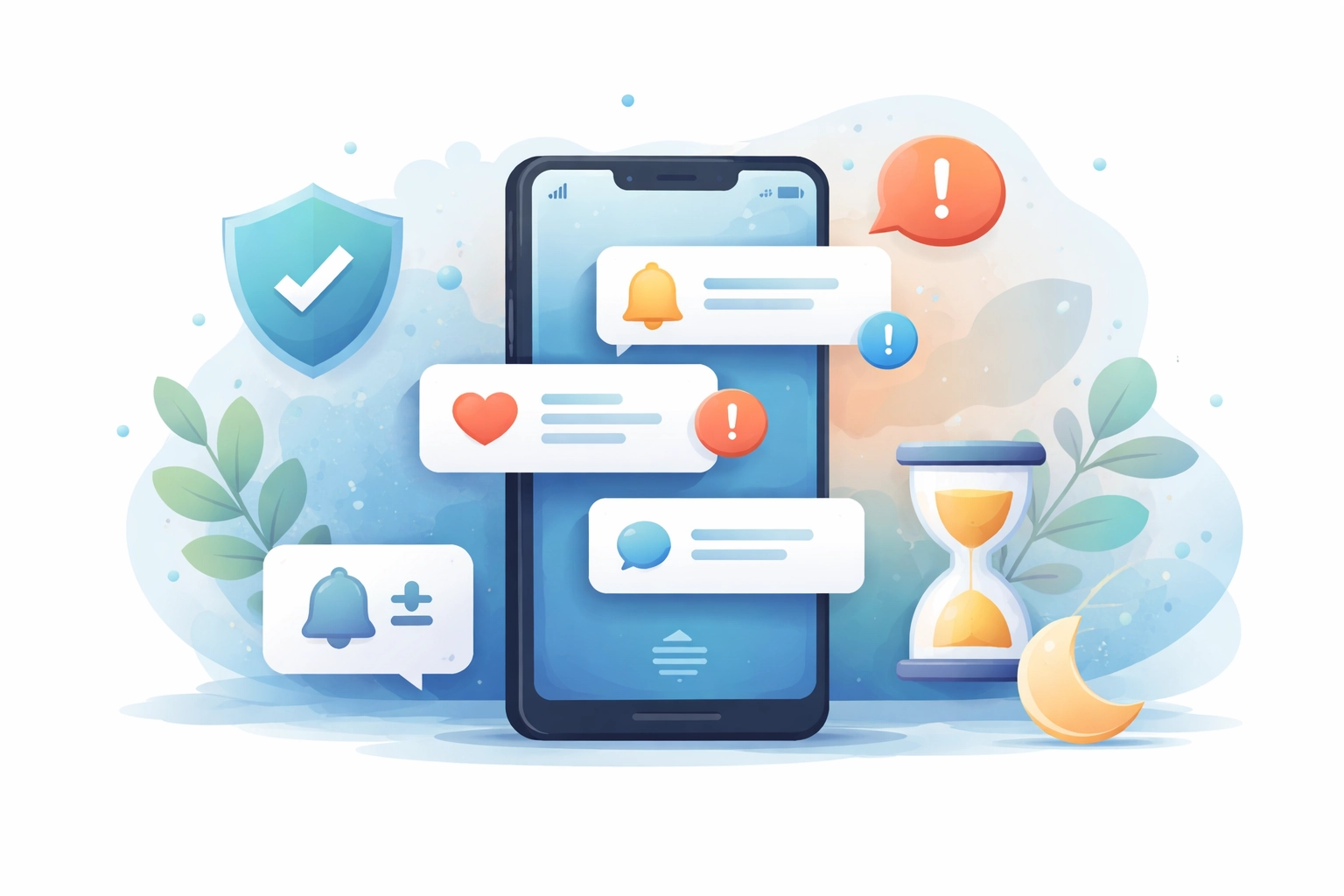 In 2026, your users’ phones are smarter, their Focus modes are more aggressive, and their tolerance for digital noise is lower than ever. For years, the default engagement playbook was simple: when in doubt, send a push. Teams optimized for short-term open rates, often ignoring the long-term cost of notification fatigue. Today, both iOS and Android make it trivial for users to permanently silence an app often directly from the lock screen. If your notification strategy hasn’t evolved since 2023, you’re not just annoying users - you’re actively encouraging disengagement. This guide is written for product managers, mobile marketers, and growth teams designing push notification strategies for apps in 2026.
 In this overview you'll learn:
- How Push Notifications Have Changed (and Why Users Disable Them)
- Push Notification Best Practices #1: Transactional vs Promotional Messages
- Push Notification Best Practices #2: User Control and Notification Preferences
- Push Notification Copy Best Practices #3: Tone, Trust, and User Sentiment
- Push Notification Timing Best Practices #4: Context, Focus Modes, and Relevance
- What App Reviews Reveal About Push Notification Fatigue
- How to Track Push Notification Fatigue Using Appbot Topics
- Notification Fatigue: Why Users Turn Off Push Notifications
- Why Push Notifications Should Be Treated as Product UX
- Final Takeaway

Want to generate best-practice review replies in seconds?
Try Appbot AI Replies, free for 14 days →A successful push strategy in 2026 isn’t about getting attention. It’s about providing timely, contextual value and earning the right to interrupt.
Below are four pillars of modern notification best practice, grounded in research and illustrated by what real users consistently complain about in app reviews.
How Push Notifications Have Changed (and Why Users Disable Them)
Operating systems now act as gatekeepers for user attention:
- Notifications are grouped and summarized
- Focus modes restrict interruptions by context
- Users can revoke permission in seconds
This shift mirrors decades of research showing that poorly timed or excessive interruptions increase cognitive load, stress, and annoyance. Notifications that don’t feel useful are no longer ignored they’re punished.
The implication is clear: every push notification now competes not just with other apps, but with the user’s intention to protect their attention.
Push Notification Best Practices #1: Transactional vs Promotional Messages
The core principle has not changed: Never disguise marketing as utility.
Users have distinct mental buckets for:
- “My order has arrived”
- “Here’s a promotion”
When low-priority marketing messages are delivered through high-urgency channels, trust erodes quickly. Once that trust is broken, users don’t selectively opt out, they disable everything.
What this looks like in reviews

Best Practices
- Separate transactional and promotional notifications at both the system and UX level
- Apply different frequency limits and urgency rules
- Keep marketing messages out of lock-screen alerts unless users explicitly opt in
When every message sounds urgent, none of them are trusted.
Push Notification Best Practices #2: User Control and Notification Preferences
In 2026, a single “Allow notifications?” toggle is no longer acceptable UX.
Research in human–computer interaction shows that users don’t inherently dislike notifications - they dislike losing control over them. People want to decide:
- what they’re notified about
- how often
- and how messages are delivered
This aligns with the growing use of summaries, digests, and preference centers across platforms.
What this looks like in reviews
Best practice
- Offer category-level notification controls
- Allow users to revisit and change preferences easily
- Provide digests or summaries for non-urgent updates
- Reduce notification volume automatically as users become more engaged (“graduation”)
When users are forced into an all-or-nothing choice, they almost always choose nothing.
Push Notification Copy Best Practices #3: Tone, Trust, and User Sentiment
Notifications are intimate. They appear alongside messages from family, friends, and colleagues. Using that space for guilt-driven copy, passive-aggressive reminders, or anxiety-inducing language breaks trust fast.
While streaks and reminders can motivate, crossing into emotional manipulation backfires, especially for casual or lapsed users.
What this looks like in reviews
Best practice
- Favor positive motivation over loss-framed pressure
- Avoid copy that shames or threatens the user
- Allow users to pause reminders without penalty
- Treat dismissal as a signal, not a challenge
A notification should never make a user feel anxious or guilty for having a life.
Push Notification Timing Best Practices #4: Context, Focus Modes, and Relevance
In 2026, sending the same notification to every user at the same time is increasingly ineffective.
Interruption science consistently shows that relevance and timing matter as much as content. A useful message delivered at the wrong moment still feels like noise.
What this looks like in reviews

Best Practice
- Trigger notifications around user behavior, not rigid schedules
- Delay non-urgent messages until likely downtime
- Respect repeated dismissals or ignored alerts
- Prefer summaries over real-time nudges when urgency is low
The goal isn’t speed, it’s readiness.
What App Reviews Reveal About Push Notification Fatigue
Analytics can tell you:
- delivery rates
- open rates
- conversions
But reviews tell you:
- why users turned notifications off
- when trust started eroding
- how your messaging made them feel
Across industries, phrases like:
- "too many notifications"
- “feels like spam”
- “annoying alerts”
- “won’t stop notifying me”
are early warning signs of notification fatigue, often appearing weeks before opt-outs or churn show up in metrics. The challenge is that notification fatigue often builds quietly and by the time metrics move, it’s already done damage
How to Track Push Notification Fatigue Using Appbot Topics
By the time engagement drops or opt-outs spike, notification fatigue has usually been building for a while. One of the earliest signals lives in app reviews.
Teams use Appbot Topics to track and analyse notification related feedback at scale automatically grouping reviews that mention things like:
- notifications and alerts
- spam or promotions
- frequency complaints
- annoyance or interruption

Instead of reading reviews one by one, teams can see trends over time and correlate spikes in negative sentiment with:
- new push campaigns
- onboarding or permission-prompt changes
- frequency experiments
- copy or tone updates
This turns notification strategy from guesswork into something observable and measurable.
Notification Fatigue: Why Users Turn Off Push Notifications
Industry research confirms what reviews already show. The Reuters Institute for the Study of Journalism has documented widespread “alert fatigue,” particularly in news apps, where many users disable notifications due to overload or low perceived usefulness.
While the research focuses on media, the behavior applies across categories: when notifications feel repetitive or unhelpful, users revoke permission defensively, not angrily.
Once lost, notification permission is rarely regained.
Why Push Notifications Should Be Treated as Product UX
High-performing teams no longer treat push notifications as a last-mile growth tactic. Instead, they approach notifications as part of the product experience designed, tested, and refined with the same care as onboarding, search, or other core workflows.
That shift reframes how success is measured. The question is no longer “How many opens did we get?” but “Did this make the product more useful in the moment it appeared?”
When notifications are treated this way, they stop competing for attention and start earning it.
Final Takeaway
Push notifications haven’t become less powerful. They’ve become less forgiving.
The teams that succeed in 2026:
- treat notifications as part of the product experience
- design for context, control, and emotional impact
- measure sentiment alongside engagement metrics
Or put simply:
Push notifications work when they feel like help. They fail when they feel like noise.
If users wouldn’t thank you for a notification, it probably shouldn’t be sent.
Want to generate best-practice review replies in seconds?
Try Appbot AI Replies, free for 14 days →Where to from here?
- Discover effective strategies for app review management to efficiently handle and leverage user feedback.
- Unlock valuable insights into user sentiment with our powerful sentiment analysis tool for informed decision-making.
- Simplify your review tracking process with our efficient review aggregator, providing a centralized view of user feedback.
- Engage with your users effectively by crafting thoughtful responses with our convenient Reply to App Store Reviews feature.
About The Author

Stuart is Co-founder & Co-CEO of Appbot. Stuart has been involved in mobile as a developer, blogger and entrepreneur since the early days of the App Store. He built the 7 Minute Workout app in one night and blogged the story of growing the app to 2.3 million downloads before exiting to a large fitness device company. Previously he was the co-founder of the Discovr series of applications which achieved over 4 million downloads. You can connect with him on LinkedIn.
Enjoying the read? You may also like these
 The New Era of App Discovery: What App Growth Teams Need to Know About ASO, SEO & AI
 App discovery is changing. Learn how ASO, SEO, and AI now work as one system—and how app copy, reviews, and release notes drive discovery.
Learn how Apple’s new Retention Messaging API helps reduce app subscription churn with personalized, in-the-moment messages. Backed by research, this guide shows how to combine App Store feedback, discounts, and smart messaging to boost retention.
A complete guide to App Store product page optimization in 2026 — custom product pages, A/B testing, and metadata that converts more installs.
What the new Apple and Google age-verification requirements mean for your app, and which APIs to use to comply without hurting the user experience.